Zapier vs. Make vs. n8n: Which Automation Tool Is Cheapest for a Small Team in 2026?
Pricing comparison of Zapier, Make and n8n for small teams, based on the vendors' public pricing pages as of 29 September 2026.
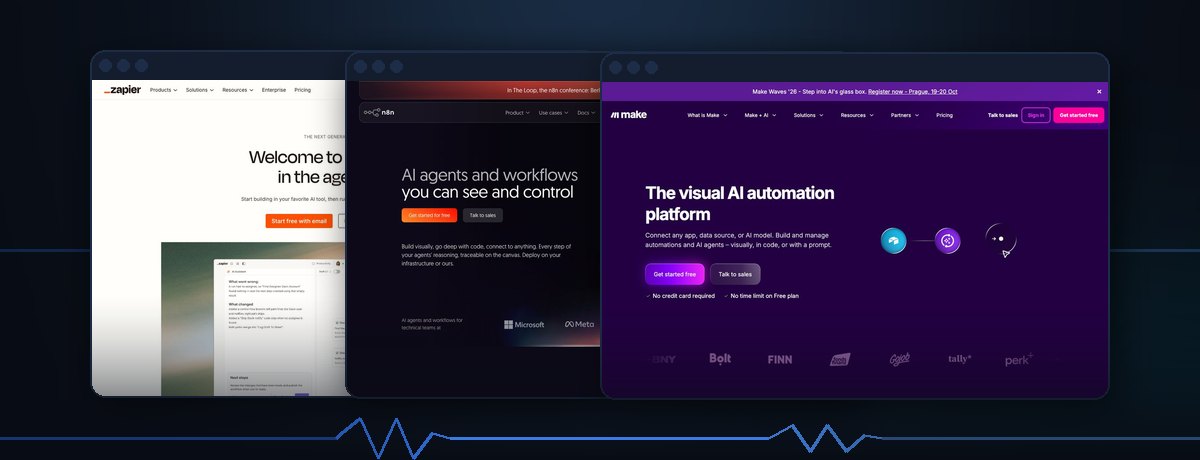
Zapier still has the biggest app catalog, and that's what you're paying for. Make gives a small team more automation runs per dollar once you're past a trivial workflow. n8n is the only one of the three with a genuinely free, unlimited self-hosted option — but you need someone comfortable with a server (or Docker) to use it that way.
None of the three is a clear winner for everyone; the right pick depends on how technical your team is and how many steps your typical workflow has.
Why these three, and why now
Zapier is the default choice for no-code automation, but its pricing is built around "tasks" — every single action in a multi-step workflow (send email, update spreadsheet, post to Slack) counts separately. That adds up fast for teams running anything more complex than a two-step zap. Make (formerly Integromat) and n8n are the two alternatives most commonly recommended when a team starts feeling that cost pressure. All three vendors have also added AI-branded features to their pricing pages in 2026 — Zapier's "AI by Zapier" and Copilot, Make's "Maia" assistant, n8n's AI Assistant credits — so a pricing comparison today has to look at what's actually included at each tier, not just the base cost.
None of the three has changed its base pricing structure dramatically in the past year, but the AI add-ons layered on top are new enough that older comparisons floating around the web are already out of date on that point. That's the gap this piece is trying to close: current numbers, pulled directly from each vendor's own pricing page on the date above, not carried over from a comparison written a year ago.
Pricing at a glance
As of Sept 29, 2026, per each vendor's official pricing page. Note the currency difference: Zapier and Make list prices in USD, n8n in EUR — the numbers below are not currency-adjusted, so treat cross-vendor comparisons as directional, not exact.
| Tool | Free tier | Entry paid tier | Next tier | Billing note |
|---|---|---|---|---|
| Zapier | $0/mo — 100 tasks | Professional: from $19.99/mo (billed annually) or $29.99/mo (billed monthly) for 750 tasks | Team: from $69/mo (annually) or $103.50/mo (monthly) for 2,000 tasks, up to 25 members | Task allowance scales in steps up to 2,000,000 tasks/mo on Team; Enterprise is custom |
| Make | $0/mo — up to 1,000 operations | Core: from $9/mo for 10,000 operations/mo | Pro: from $16/mo · Teams: from $29/mo (both at the same 10,000-operations entry point, with added features per tier) | Annual billing saves "15% or more" per Make's own pricing page; higher operation volumes cost more within each tier |
| n8n | Free self-hosted Community Edition — no execution cap, you run and maintain the server yourself | Cloud Starter: €20/mo (billed annually) for 2,500 executions/mo | Cloud Pro: €50/mo (billed annually) for 10,000 executions/mo | Cloud Business (€667/mo billed annually, 40,000 executions/mo) is currently self-hosted only, with a cloud version on the waitlist |
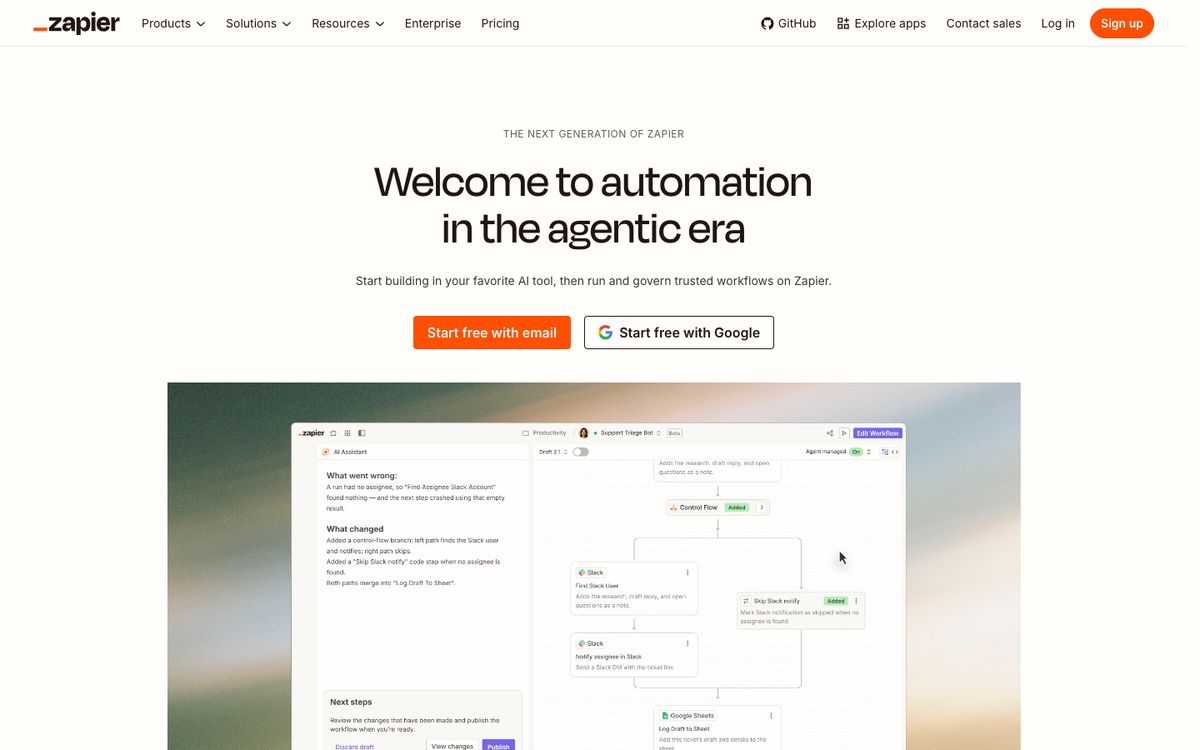
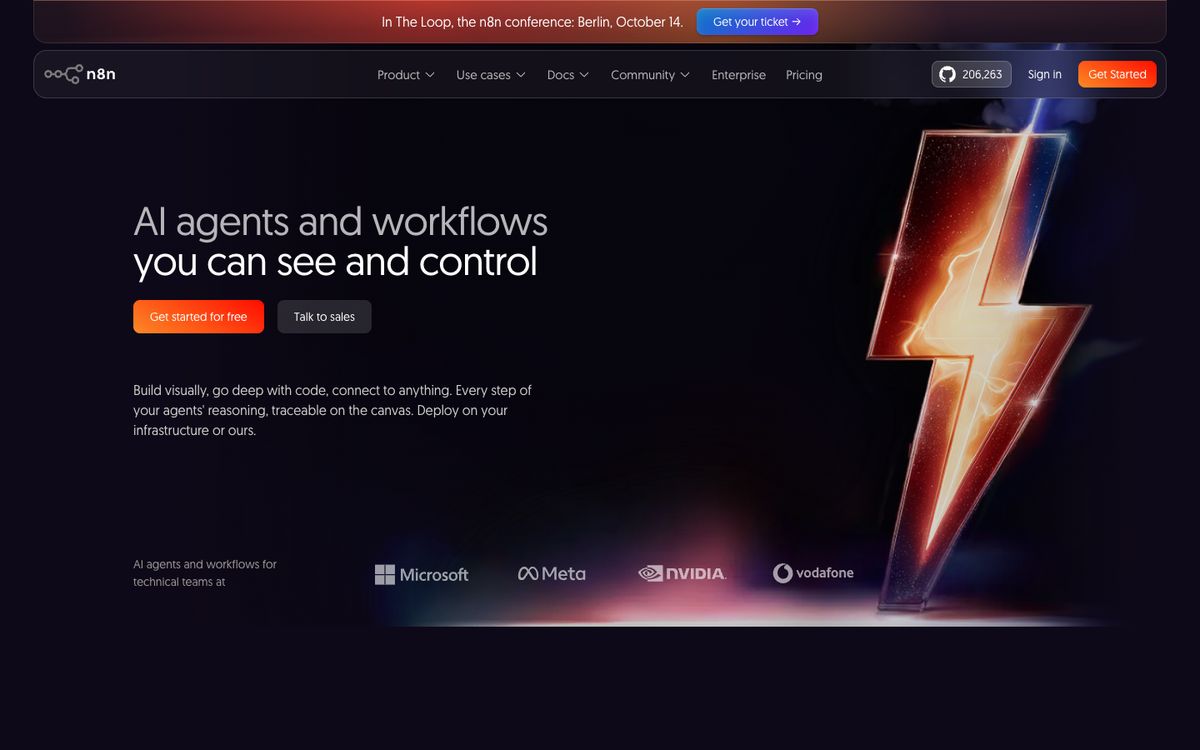
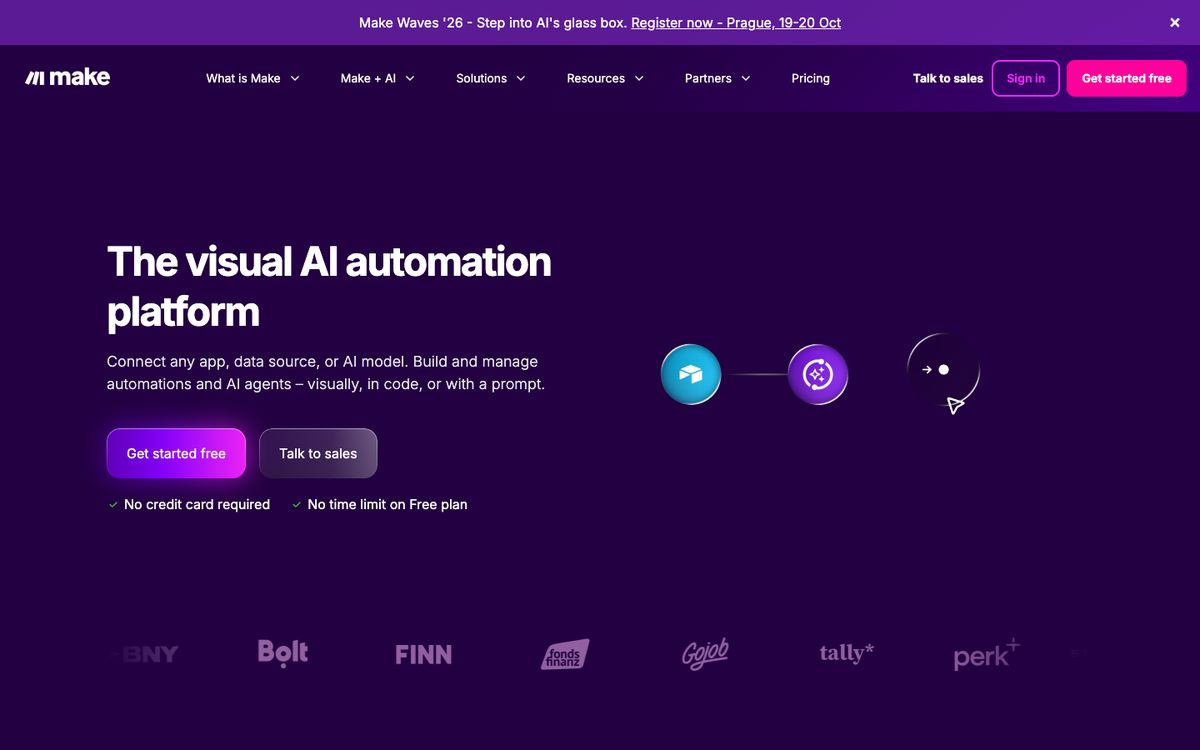
Sources: zapier.com/pricing, make.com/en/pricing, n8n.io/pricing — all retrieved Sept 29, 2026.
What actually differs for a small team
How the meter runs
This is the detail that matters most once a team grows past a handful of simple automations. Zapier counts every executed action as a task — a five-step zap that runs 100 times a month burns through 500 tasks, not 100. Make counts "operations," which are also per-step but come with a noticeably larger free allowance (1,000 vs. Zapier's 100) and a lower entry price for 10,000 operations ($9/mo vs. Zapier's $19.99–29.99/mo for 750 tasks). n8n counts full workflow "executions," not individual steps — so a five-step workflow that runs 100 times still counts as 100 executions on n8n, against 500 tasks on Zapier for the same workload. For workflows with more than two or three steps, that difference in how usage is measured matters more than the headline price.
Put in concrete terms: a team running a single five-step workflow 400 times a month would need roughly 2,000 tasks on Zapier (solidly into the Team tier), around 2,000 operations on Make (still inside the Core tier's 10,000-operation allowance), and exactly 400 executions on n8n (well inside even the Starter cloud tier's 2,500-execution allowance, or free on self-hosted Community Edition). The same workload, three very different meters — which is why comparing headline prices alone is misleading for anything beyond single-step automations.
AI features included at the entry tier
All three now bundle some form of AI assistant into their lower tiers rather than gating it entirely behind Enterprise. Zapier's free plan includes basic access to Agents, Chatbots, Canvas and a rate-limited Copilot; paid tiers add unlimited Copilot messages and "AI by Zapier" capabilities across the product. Make's free tier already includes its Maia assistant, AI Content Extractor and an AI Web Search feature (marked beta), with paid tiers unlocking more scenario capacity rather than more AI features. n8n bundles a fixed number of "AI Assistant credits" per month into its cloud tiers (1,600/mo on Starter, up to 9,600/mo on Pro) — self-hosted Community Edition doesn't include this managed AI assistant at all, since there's no vendor-run account behind it.
Self-hosting and the free-tier ceiling
This is the clearest structural difference. Zapier and Make are cloud-only — their free tiers are real but capped at a fairly low usage ceiling (100 tasks or 1,000 operations per month) and there's no self-hosted path to avoid that limit. n8n publishes its Community Edition as free and self-hostable with no execution cap, provided the team is willing to run it on their own server or Docker container and handle their own updates and uptime. That makes n8n's realistic "free" cost either $0 (if someone on the team can maintain a server) or the price of hosting plus their time — not a pricing-page number at all.
Ease of use vs. technical control
Zapier and Make are both built around a visual, no-code builder aimed at non-developers; Make's flow-based canvas is generally considered more powerful for branching logic once you're past the basics, at the cost of a steeper initial learning curve than Zapier's linear "zap" format. n8n's builder is also visual, but the product is explicitly aimed at technically comfortable teams — it supports custom JavaScript/Python code nodes directly in workflows and expects at least one person on the team to be comfortable with that, or with self-hosting, to get full value out of it.
Who should pick what
- Non-technical team, few integrations, willing to pay for simplicity: Zapier. The app catalog and one-step-at-a-time builder are still the easiest starting point, and the free tier is enough to test a first workflow.
- Small team with multi-step workflows and some patience for a steeper learning curve: Make. The entry-tier price for 10,000 operations undercuts Zapier's entry-tier task allowance, and the visual builder handles branching logic well.
- Team with any technical capacity (or one person who can run a Docker container): n8n's Community Edition. It's the only genuinely free, uncapped option of the three, and execution-based counting is kinder to multi-step workflows than per-task or per-operation billing.
- Team that wants a managed cloud product without self-hosting, but likes n8n's execution-based model: n8n Cloud Starter at €20/mo — cheaper than Zapier's Professional tier, though the 2,500-execution allowance is modest.
What this comparison doesn't cover
Actual month-to-month cost depends entirely on workflow complexity and run frequency, which we haven't modeled here — a team should map its own expected task/operation/execution count against each vendor's calculator before committing. This comparison also doesn't cover integration-specific quality (how well a given app's Zapier trigger works vs. its Make or n8n equivalent), support responsiveness, or uptime history, none of which are things a pricing page can tell you.
Sources & methodology
This comparison is based on the vendors' public information as of Sept 29, 2026, not on hands-on testing.
- Zapier — Pricing, retrieved Sept 29, 2026
- Make — Pricing, retrieved Sept 29, 2026
- n8n — Pricing, retrieved Sept 29, 2026
Tools in this post
Zapier
Zapier is a no-code automation platform connecting thousands of apps, billed by the number of monthly 'tasks' — individual ac…
- Free plan
- From $19.99/month (annual billing) · Professional
- Prices checked Sept 29, 2026
n8n
n8n is a workflow-automation tool available as a free, self-hostable open-source Community Edition or as a managed n8n Cloud …
- Free plan
- From €20/month (annual billing) · Cloud Starter
- Prices checked Sept 29, 2026
Make
Make (formerly Integromat) is a visual automation platform billed by monthly 'operations', with a flow-based canvas aimed at …
- Free plan
- From $9/month · Core
- Prices checked Sept 29, 2026
Get ToolPulse Weekly
What changed in the prices, plans and features of the AI tools you use, once a week, with source and date.