
Why now
In ToolPulse Weekly #3 we reported that ClickUp's pricing page showed a new plan ladder: Core, a higher-priced Business, and a new top tier called MAX. When we re-checked the page on Oct 26, 2026, it listed both the older set (Free Forever, Unlimited, Business, Enterprise) and the newer set (Free, Core, Business, Enterprise, MAX), and the page does not say which one applies to a given workspace. ClickUp's Help Center article "New plans and pricing options" is described in search results as saying that only a limited number of workspaces see the new plans for now. We could not open that article directly (HTTP 403), so treat that point as unconfirmed by us. Notion is the obvious comparison, because both products sell themselves as a place to run team work.
Pricing at a glance
| Plan | Price per user/month | Headline limits |
|---|---|---|
| ClickUp Free | $0 | 60MB storage, 5 Spaces |
| ClickUp Core | $9 yearly ($12 regular) | Unlimited storage, Gantt, 1,000 pooled AI credits |
| ClickUp Business | $17 yearly ($25 regular) | Advanced dashboards, 10,000 automation actions |
| ClickUp MAX | $100 yearly ($120 regular) | 10,000 pooled AI credits, Autopilot Agents |
| Notion Free | €0 | 5 MB per file, trial AI |
| Notion Plus | €9.50 | Unlimited uploads, 30-day page history |
| Notion Business | €19.50 | Notion Agent, AI meeting notes, 90-day history |
Sources: ClickUp pricing page (clickup.com/pricing) and Notion pricing page (notion.com/pricing), both retrieved Oct 26, 2026. ClickUp's newer table shows yearly billing only. Notion's page we retrieved showed euro prices without stating monthly versus yearly amounts, and mentions "save up to 20%" on yearly billing. Euro and dollar figures are not converted here, so don't read the table as an exact price ranking. Enterprise plans are custom-priced at both vendors.
ClickUp
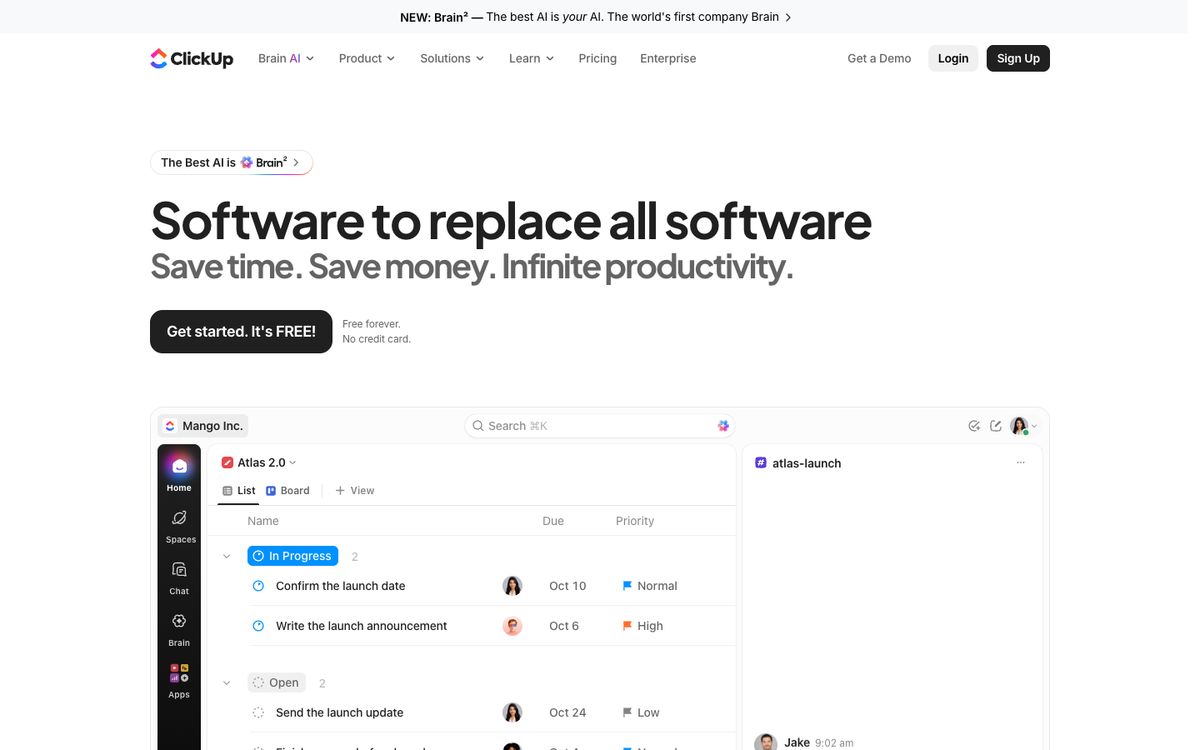
As of Oct 26, 2026, per ClickUp's pricing page, the newer plan set works like this. Free includes 60MB of storage, unlimited tasks, 5 Spaces and 500 AI credits per workspace. Core adds unlimited storage and Spaces, Gantt charts, Goals and 1,000 AI credits per user per month (pooled). Business adds advanced dashboards, webhooks, resource management, timesheets and 1,500 pooled AI credits per user. MAX includes everything in Enterprise plus 10,000 pooled AI credits per user, Autopilot Agents and MCP connections.
The older set on the same page lists Unlimited at $7 yearly ($10 monthly) and Business at $12 yearly ($19 monthly), with AI sold separately as Brain AI ($9) and Everything AI ($28). In the newer set, AI is built into each plan through pooled credits, and extra credits are listed at $10 per 10,000.
Strength: a lot of project-management depth on every paid tier. Limit: the price you see may depend on which plan set your workspace is shown, and automation limits differ between the two sets, per ClickUp's page. For whom: teams whose main job is tracking tasks, sprints and workloads.
Notion
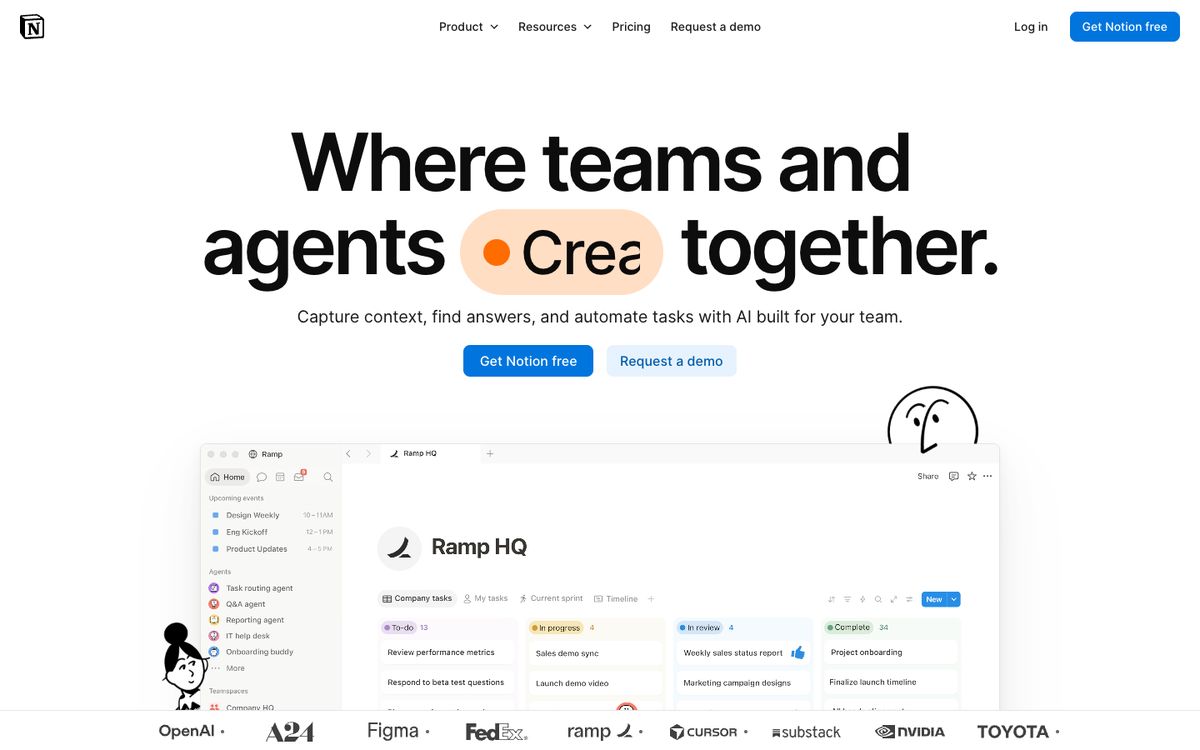
As of Oct 26, 2026, per Notion's pricing page, Free (€0) allows up to 10 external guests, 7 days of page history and files up to 5 MB, with a limited trial of Notion AI. Plus (€9.50) adds unlimited uploads (about 5GB per file on paid plans), unlimited charts, 30 days of page history and unlimited guests. Business (€19.50) includes the full AI set (Notion Agent, AI Meeting Notes, Enterprise Search), 90 days of history, advanced analytics and SAML SSO. Notion also lists Custom Agents as free to try, then $10 per 1,000 monthly Notion credits.
Notion's page says all plans include subtasks, dependencies and custom properties for databases, but the comparison table doesn't spell out per-plan limits for these, so we don't make claims about project-management depth beyond that.
Strength: docs, wikis and notes sit in the same product as databases. Limit: the full AI feature set starts at Business, so Plus users only get the trial. For whom: teams that write and organise more than they schedule.
What differs for small teams
- AI is priced differently. ClickUp's newer plans include pooled monthly credits on every paid tier, with more credits on higher tiers. Notion keeps full AI on Business and above, and sells Custom Agents by credit.
- Entry price is close, upgrade steps are not. ClickUp's list goes from $9 to $17 to $100 (yearly billing). Notion's goes from €9.50 to €19.50, and then to Enterprise.
- Free plans suit different jobs. ClickUp Free caps storage at 60MB; Notion Free caps files at 5 MB, and Free workspaces with two or more members have a block limit.
- Guests. ClickUp Free lets unlimited members and guests in; paid plans limit guest seats but allow unlimited read-only guests. Notion Free allows 10 guests; paid plans allow unlimited.
Who should pick what
- Task-heavy teams (sprints, Gantt, workload views): ClickUp Core is the entry point, per its feature list.
- Docs-and-wiki-first teams: Notion Plus covers uploads, history and guests; the full AI set requires Business.
- Existing ClickUp customers: search-result summaries of ClickUp's Help Center say your plan and price stay as they are unless you switch. We could not confirm this on ClickUp's own page, so check your billing settings.
- Heavy AI users: compare credit allowances, not plan names; ClickUp counts credits per user (pooled) and Notion bills Custom Agents separately.
What this comparison doesn't cover
We did not evaluate speed, usability, integrations or support quality, and we did not convert euros to dollars. Enterprise plans, regional pricing, taxes and promotional discounts are out of scope. Both vendors may change prices; see our ClickUp and Notion tool pages for updates.
Sources & methodology
This comparison is based on the vendors' public information as of Oct 26, 2026, not on hands-on testing.
- ClickUp pricing: clickup.com/pricing, retrieved Oct 26, 2026
- Notion pricing: notion.com/pricing, retrieved Oct 26, 2026
- ClickUp Help Center, "New plans and pricing options" (help.clickup.com/hc/en-us/articles/42972527662359): direct retrieval blocked (HTTP 403); contents known only from search-result summaries, so not independently confirmed
- Earlier ToolPulse coverage: ToolPulse Weekly #3